Making Concept Art
The DevLogs I've been putting up might have some value to an accountant somewhere who wants to keep track of my hours and output. Like I said, I'm using them as much for motivation as anything else… but they do seem rather dreary.
With that in mind, I thought I'd talk about something I'm doing.
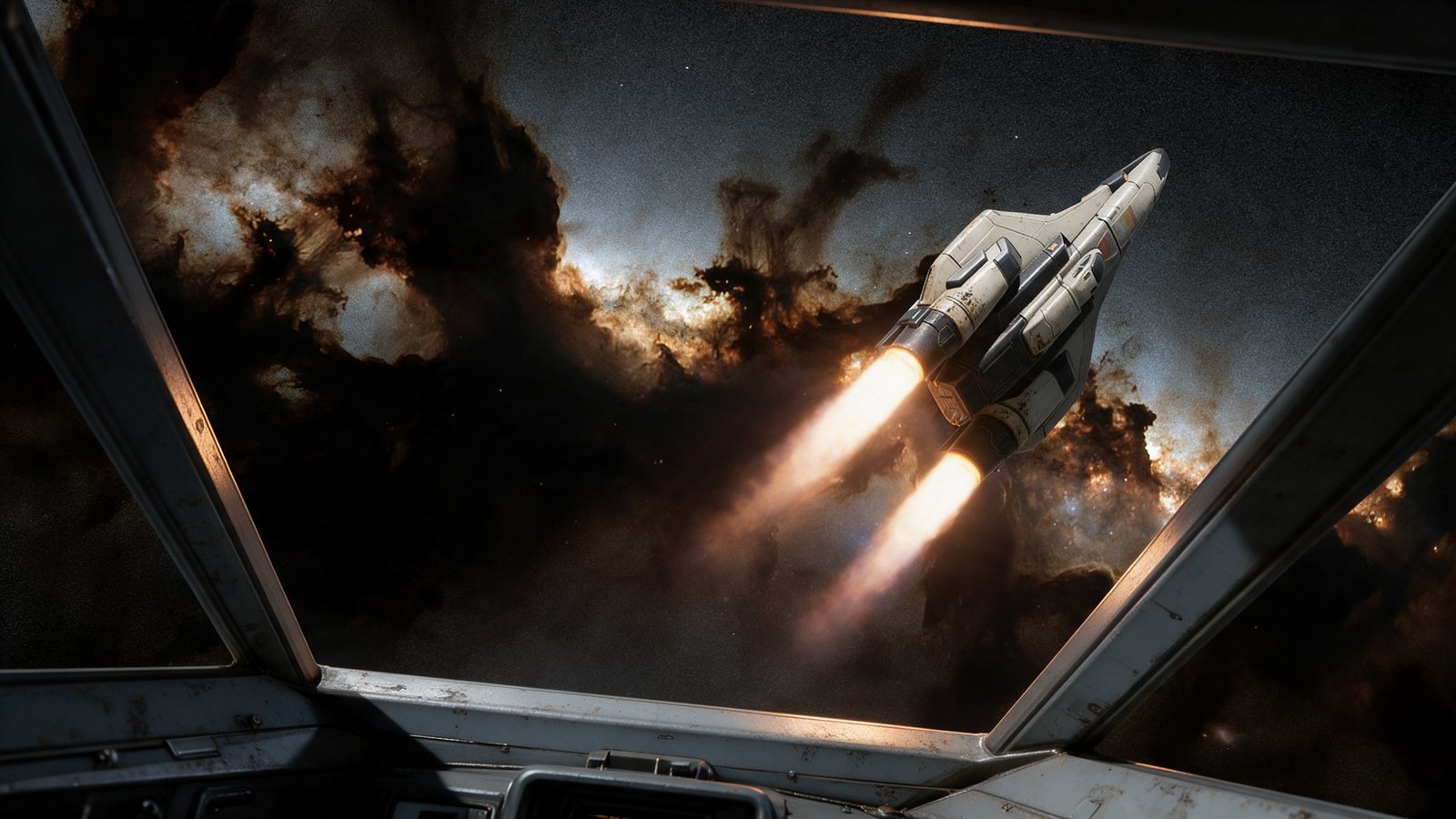
The Subject of Today's Story.
I'm prepping a document that describes the game, our systems, our plans, and whatnot. It is for partners, funders, and all those people we must be forced to deal with as grown-ups in the real world. This is not, as can be said, one of my favourite places.
For this, we need art: concept art, graphs, and — generally — eye candy.
My parameters are:
- I don't want to spend too much time doing this, as it probably won't help build the game (funding aside, of course).
- I want to compose the shots, dictate what we are seeing, and use the models we will be using in the game.
- I don't want the images to misrepresent the game and be nothing more than throwaway placeholders.
The first rules out lighting and rendering models in Blender (the 3D package we build our ships in) or Unreal Engine (our game engine), as that just takes too long.
The others rule out prompting some robot to create my creative vision for me while I go make tea.
Now, I'm all for letting my plastic pal who's fun to be with lend a hand every now and then, and by this I do mean the ones from the Sirius Cybernetics Corporation, not any recent, though adorable, knockoffs. One rule, however. These robots can help with the heavy lifting, but they can't get in the way of what I'm doing, and certainly can't hijack the process.
With that in mind, this is what I came up with.
The sketch
First, I start with a sketch.
A fairly easy composition, but I don't like skipping any steps.
Sketch to Blender
From the sketch, I move into Blender and use the models we will be using in the game. I just lay them up for the camera.
For this image, first, I grabbed the cockpit. (I didn't save the original screenshot for this devlog, so this is the best I could do, partially photoshopped already.)
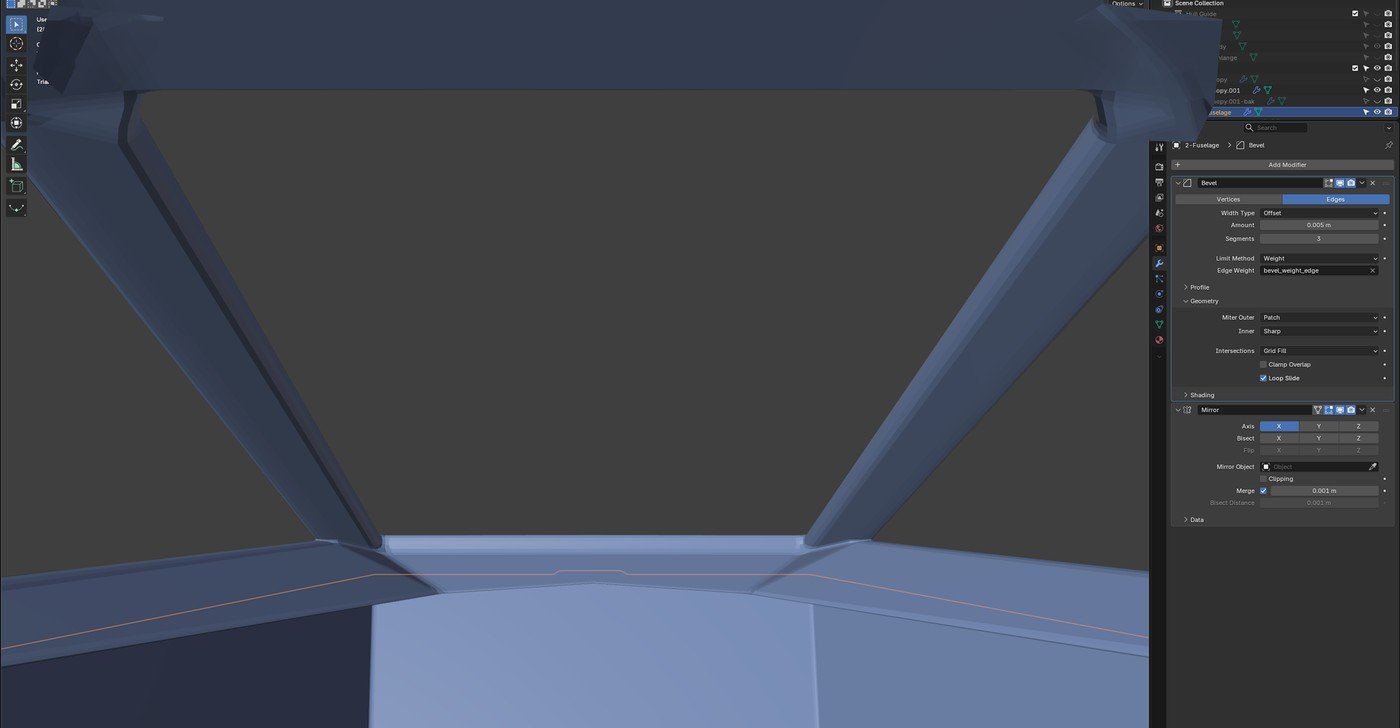
Default scene view camera and a screenshot.
Then I laid up the fighter in front of a camera in Blender. I did try to be cheap, like I did with the canopy, and use a screenshot, but lining everything up and staying consistent quickly came over and told me I was being a lazy idiot, so I listened.
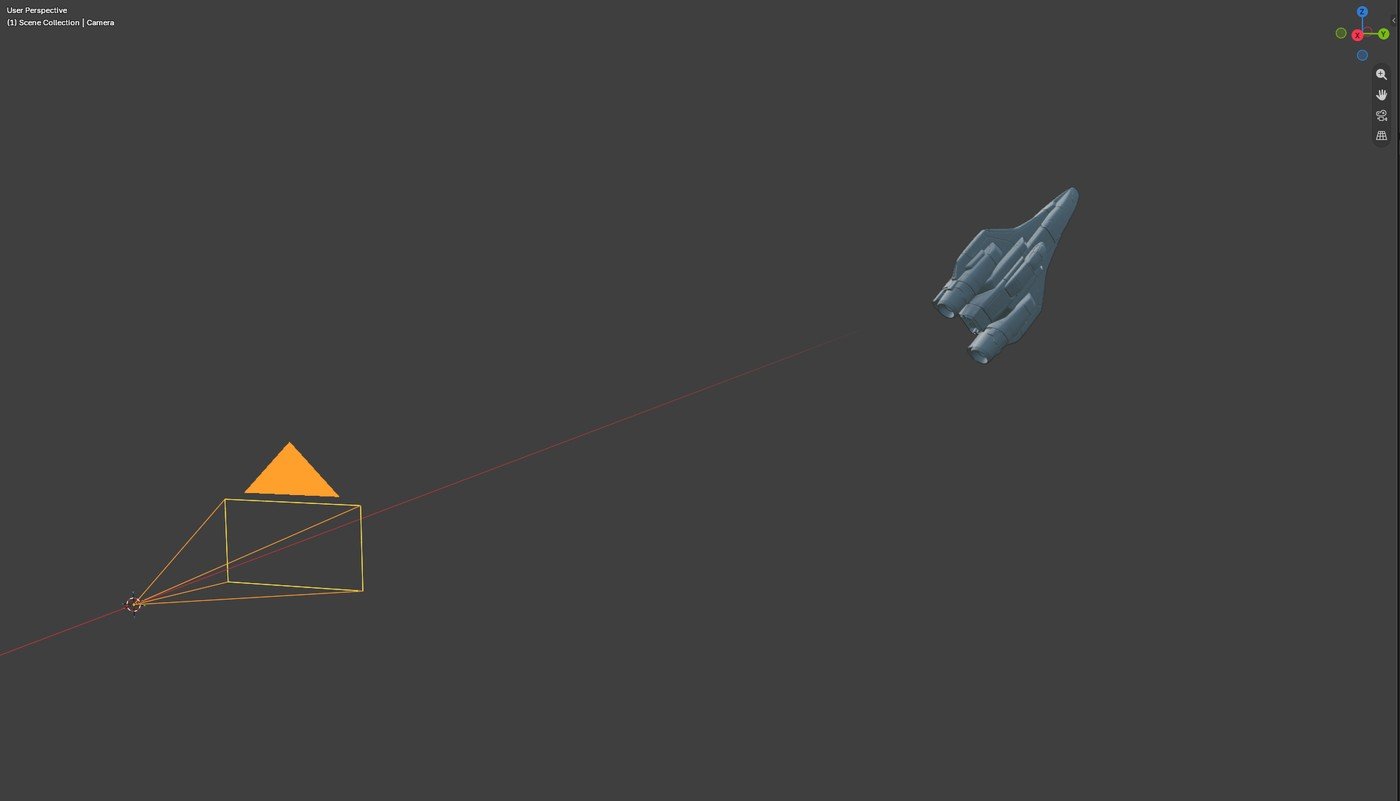
Down and dirty, even if I do have to use a camera.

View through said camera.
Blender to Photoshop
I put the two together in Photoshop over one of our existing backgrounds. If you look carefully, you can see that I did colour in the canopy, as I felt it had a tendency to get lost in the image.
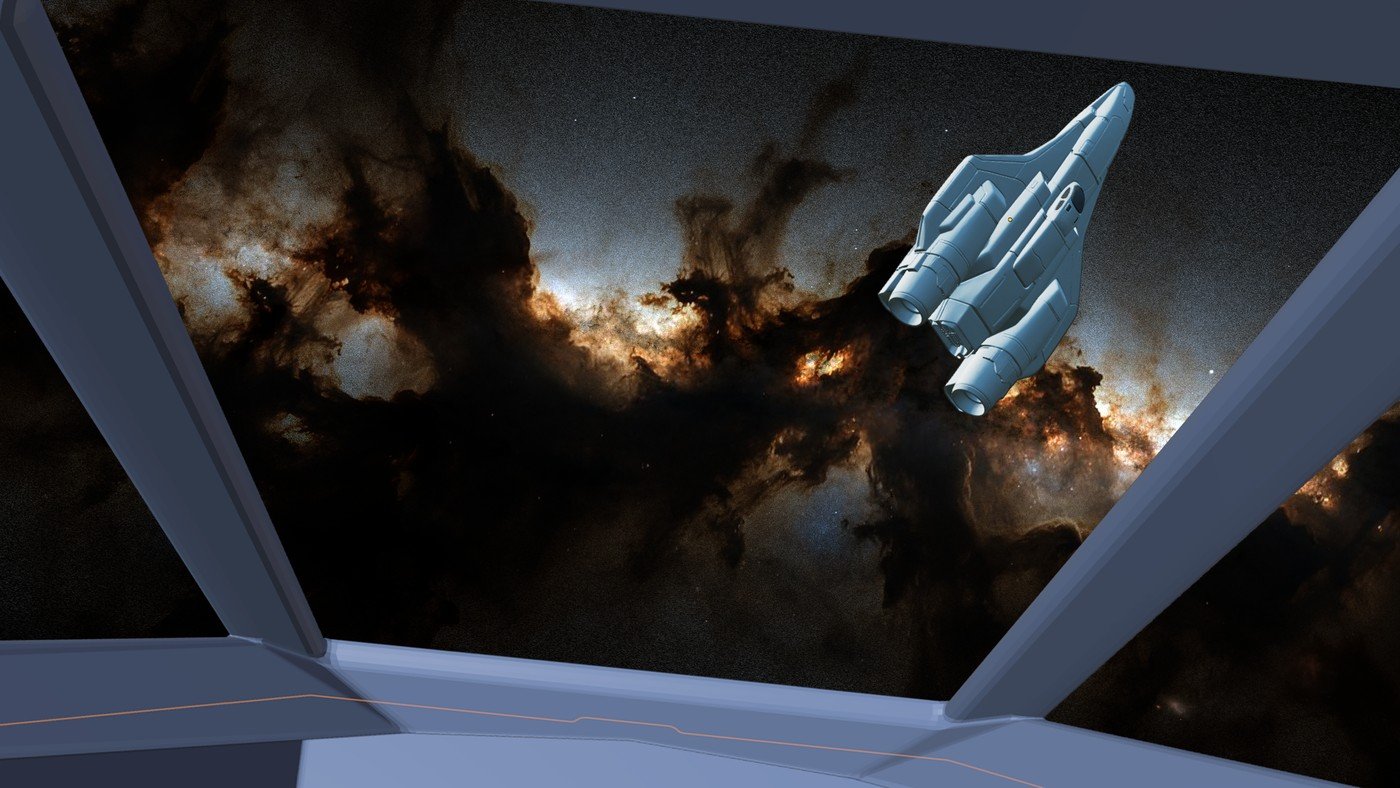
A little tilt on the canopy to give it life.
Photoshop to Seedream
And then — stroke of "brilliance" — I'll just use Seedream (an AI image generator) to light it!
The best-laid plans of mice and men, and men certainly are not as smart as mice…
One-shot wonders
This plan worked for the first sets. It worked wonders. One-shot wonders! So, I decided to record the next pass for the devlog and let you have a look!
Then it failed.
To prove the concept wasn't a complete dud, here are the previous success stories. Each one of these was a one-shot wonder!
Your wingmates through your canopy.
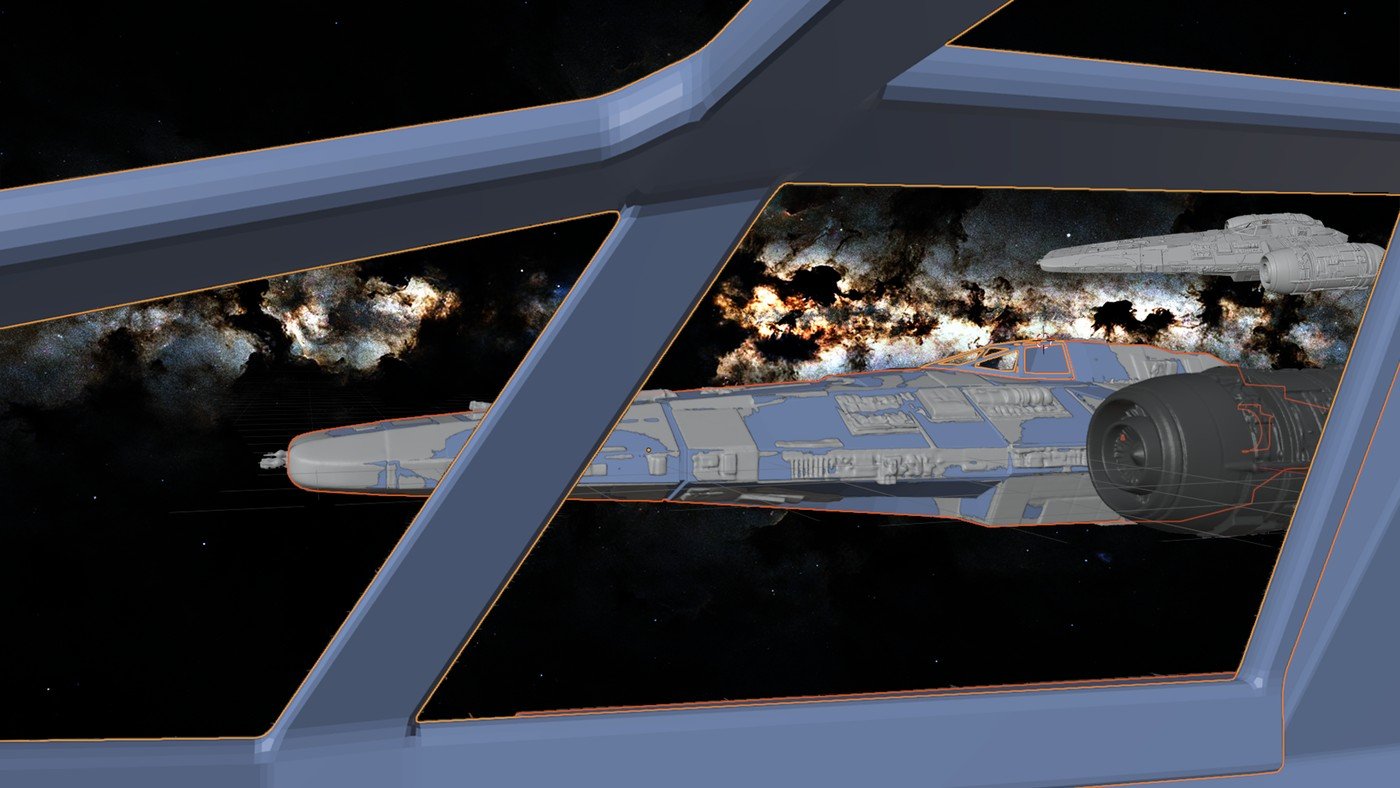
Screen captures from Blender laid up on Photoshop. I hadn't learned my lesson about cameras yet!
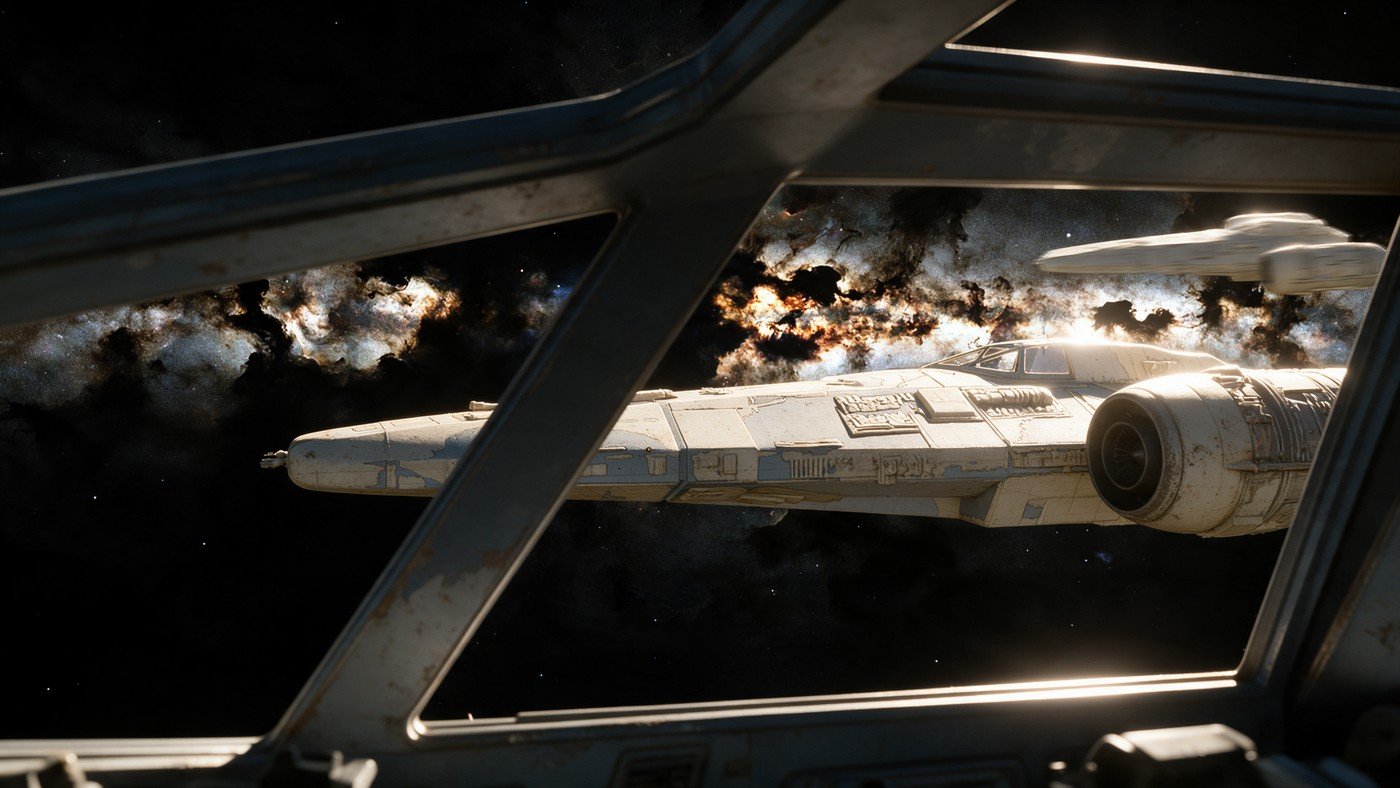
The render was nice. I added the motion blur on the background fighter. It was looking dead.
… and …
Entering a new zone with friends.
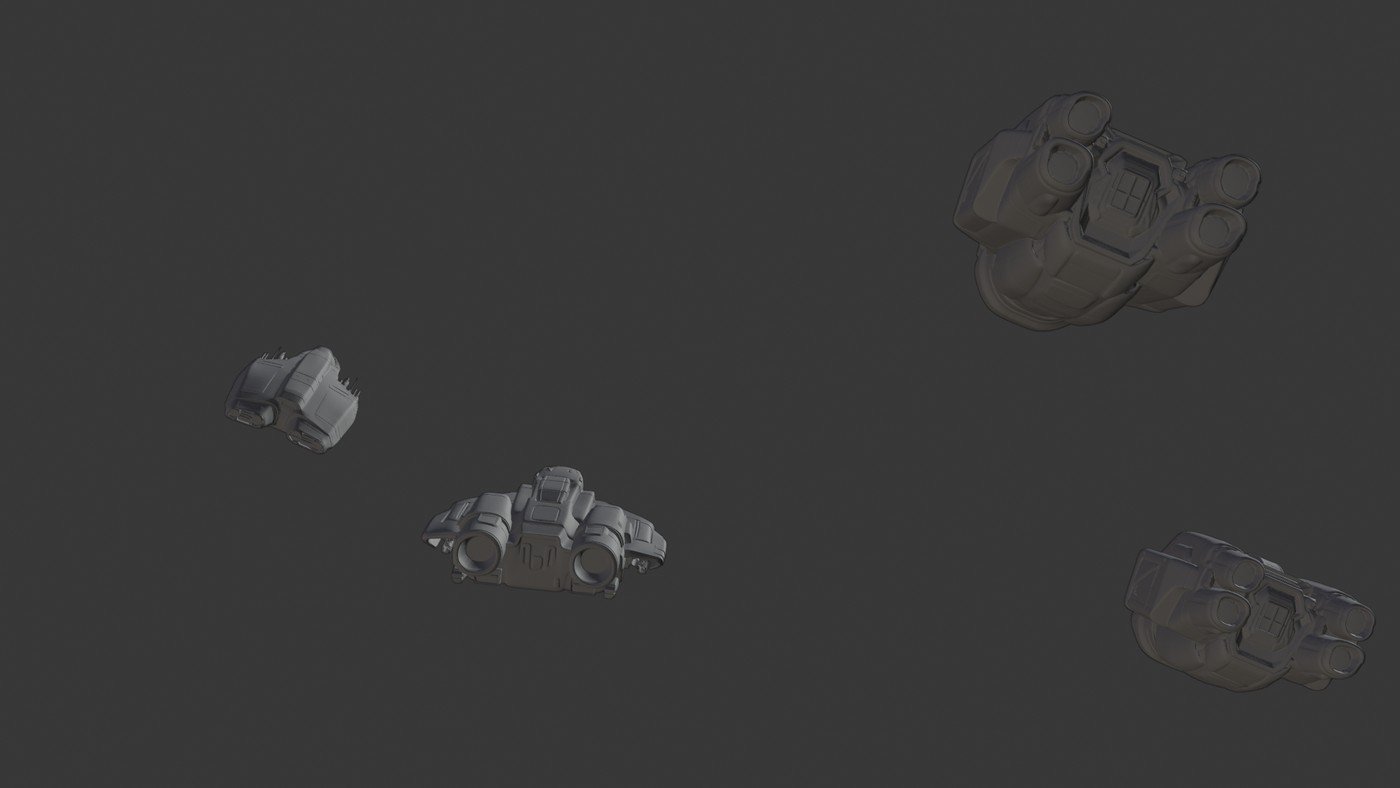
I had moved the key light here, but this is still default modelling, not "lit".
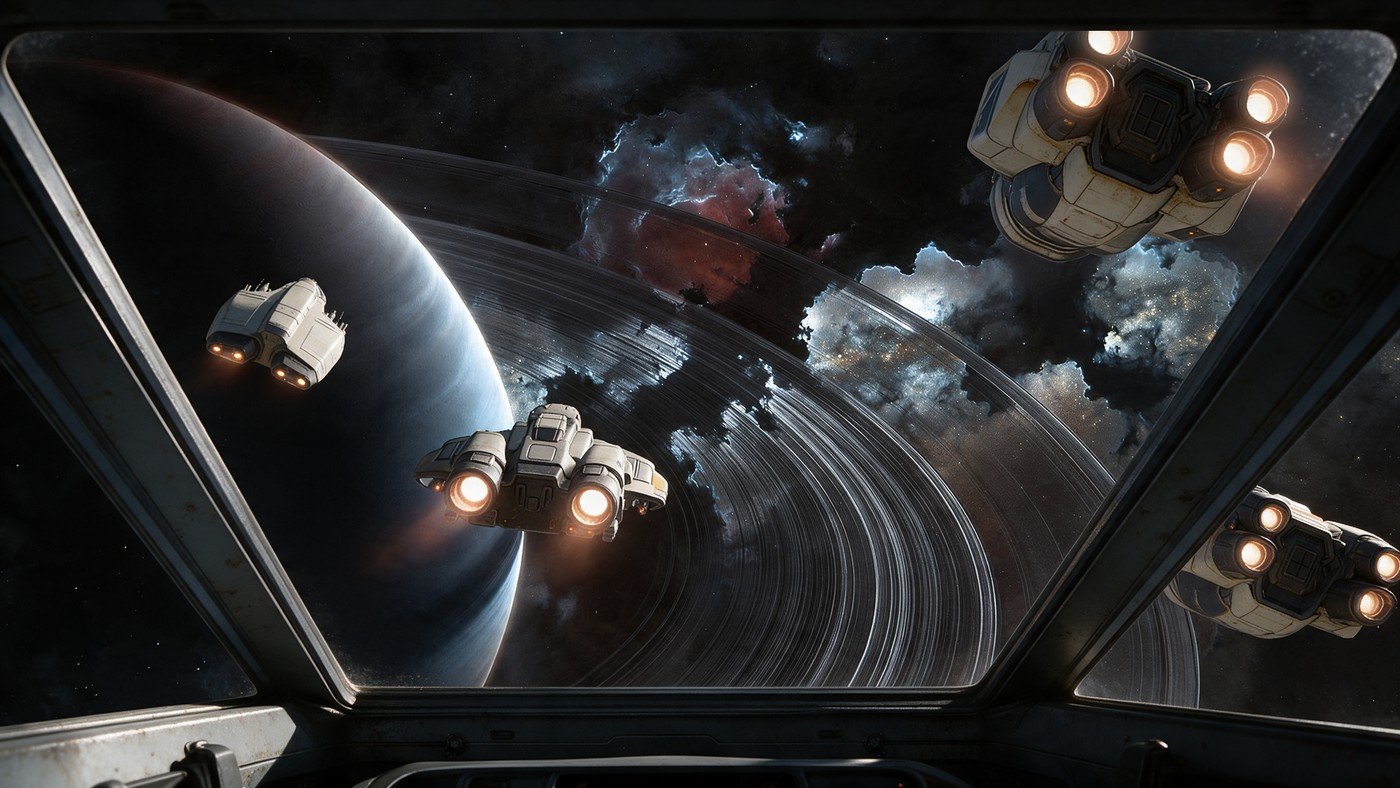
This is the final render. I added some engine glow to the content that was already in the output.
… and …
Just another gorgeous day in paradise.
The same canopy…
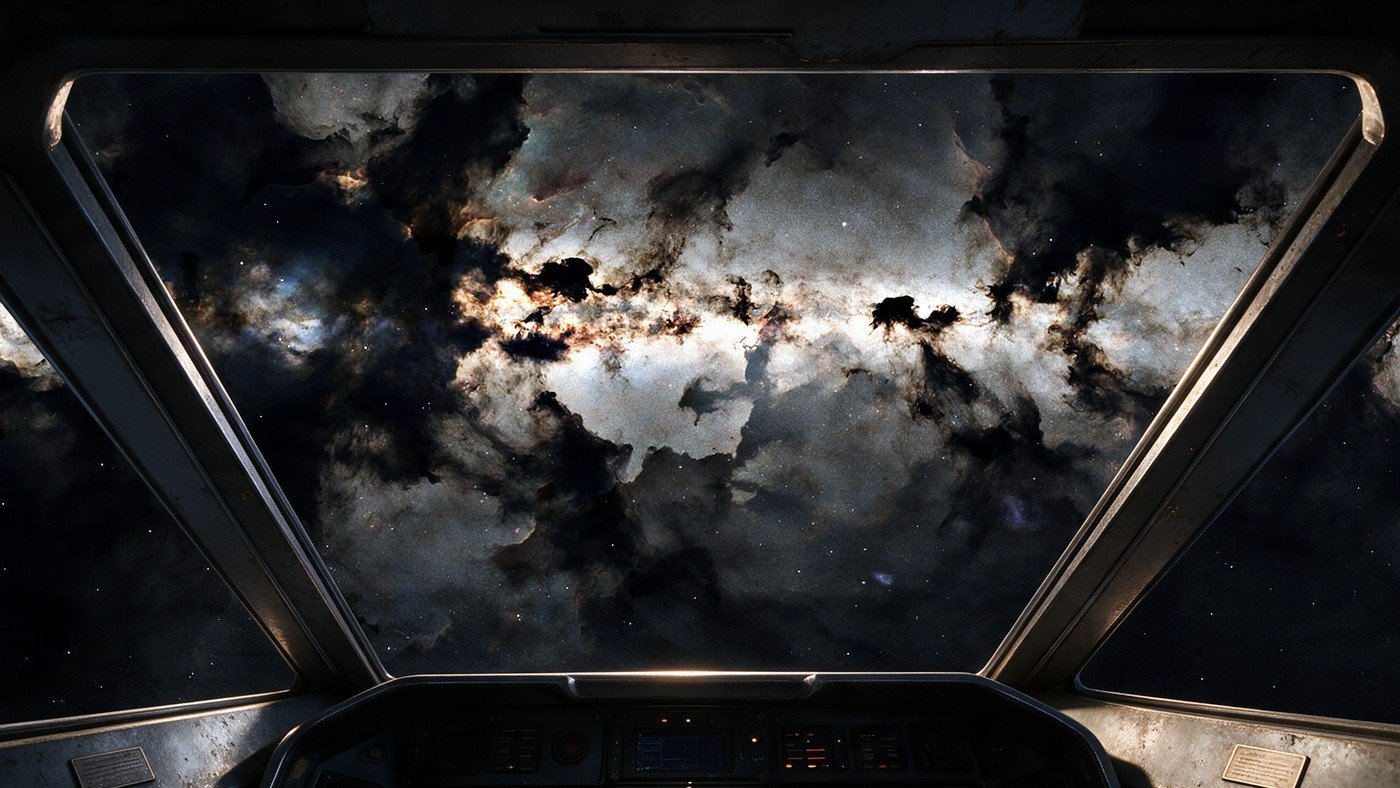
The work here was the prompt for the interior, as the background sky already exists.
But this one?
Nooooo…
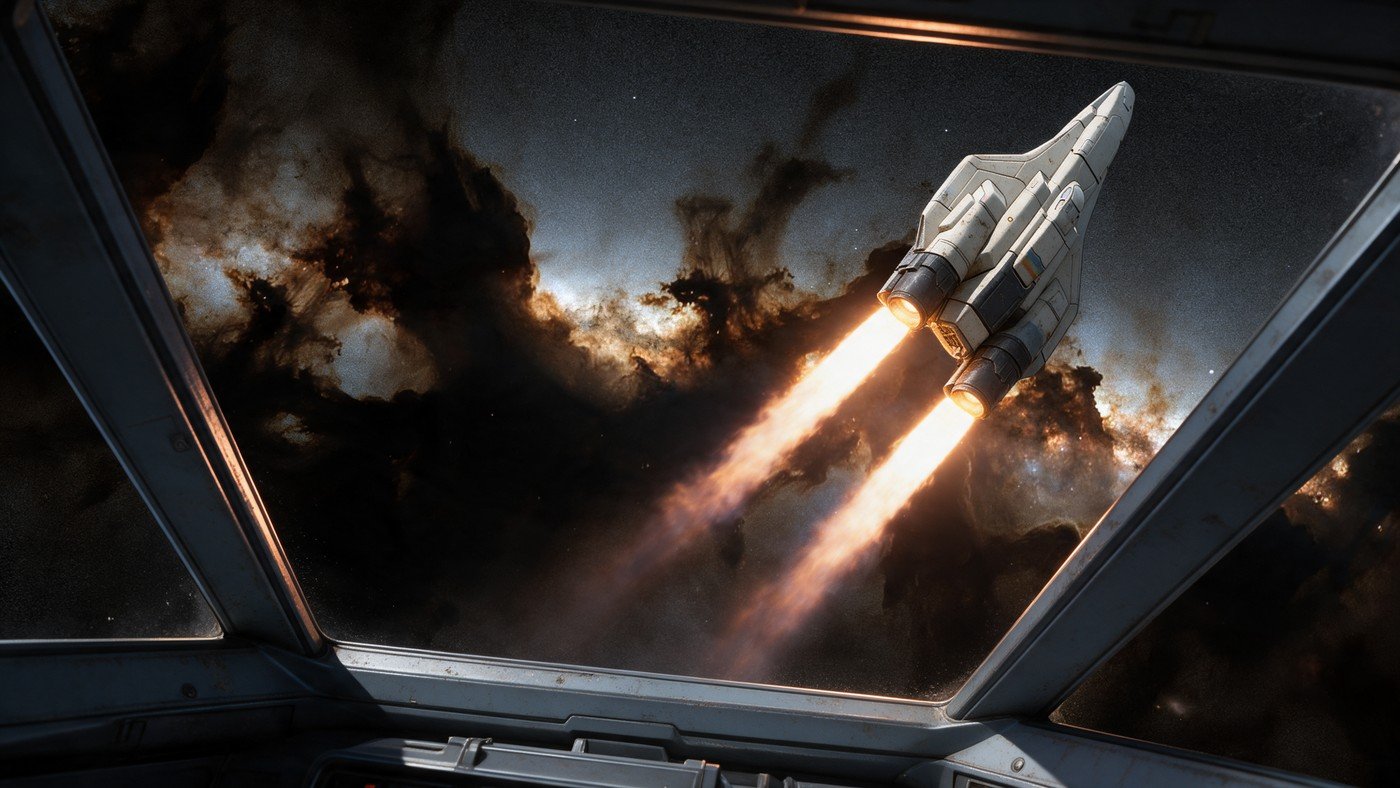
No cockpit glass and the thrusters are not straight! But probably the best lighting until the last… If only I'd stopped here!
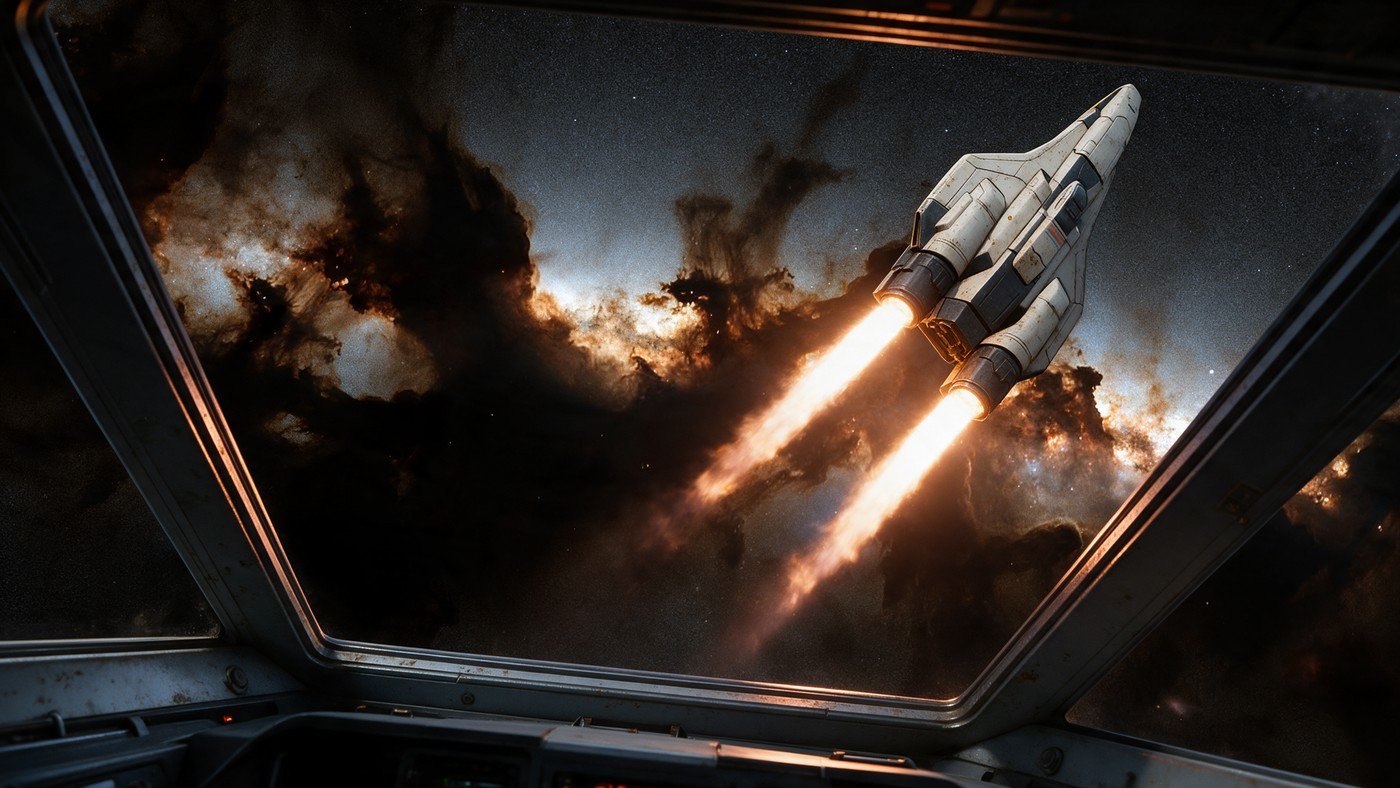
No cockpit glass and the thrusters are still not straight, the sequel! And what's up with the lighting!?
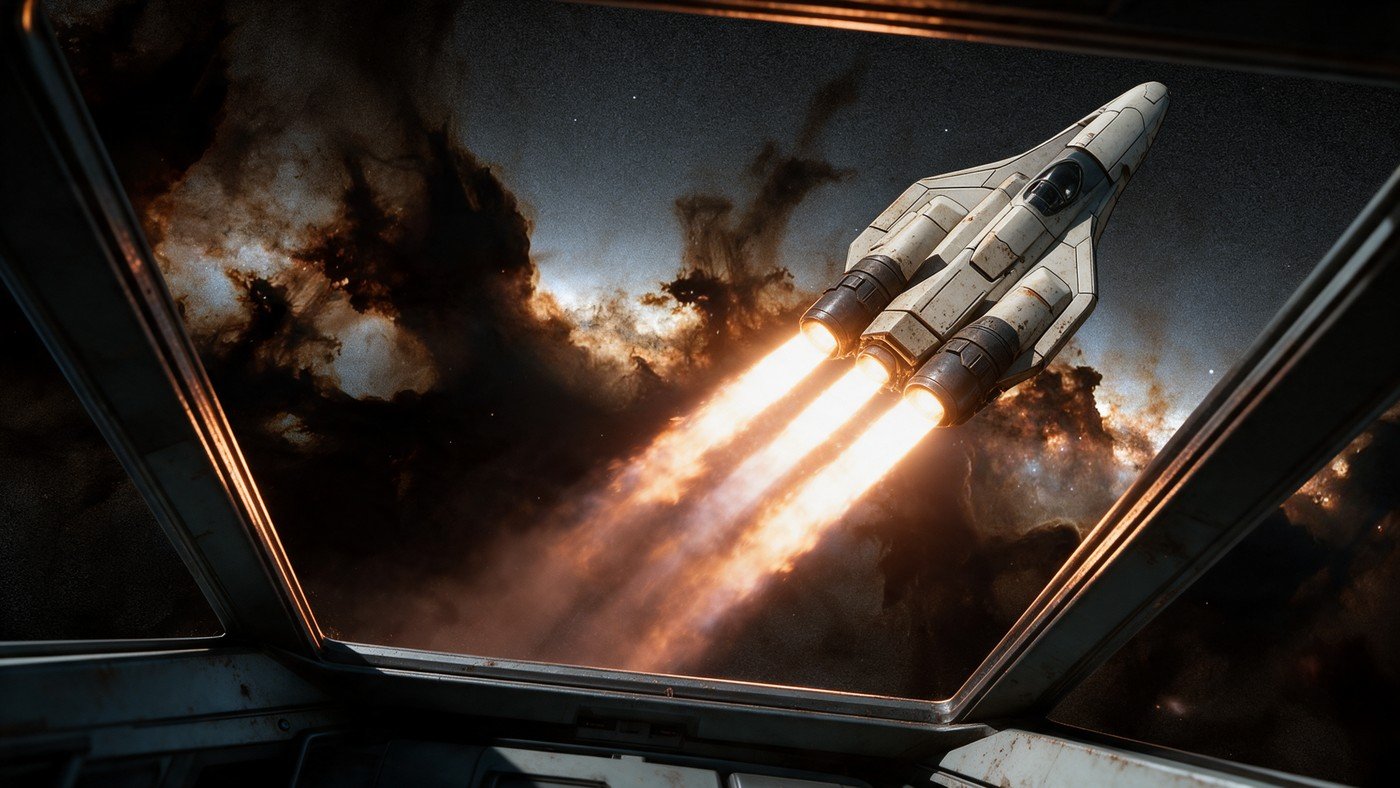
Hey! Look ma! The thrusters are straight! All… three of them?
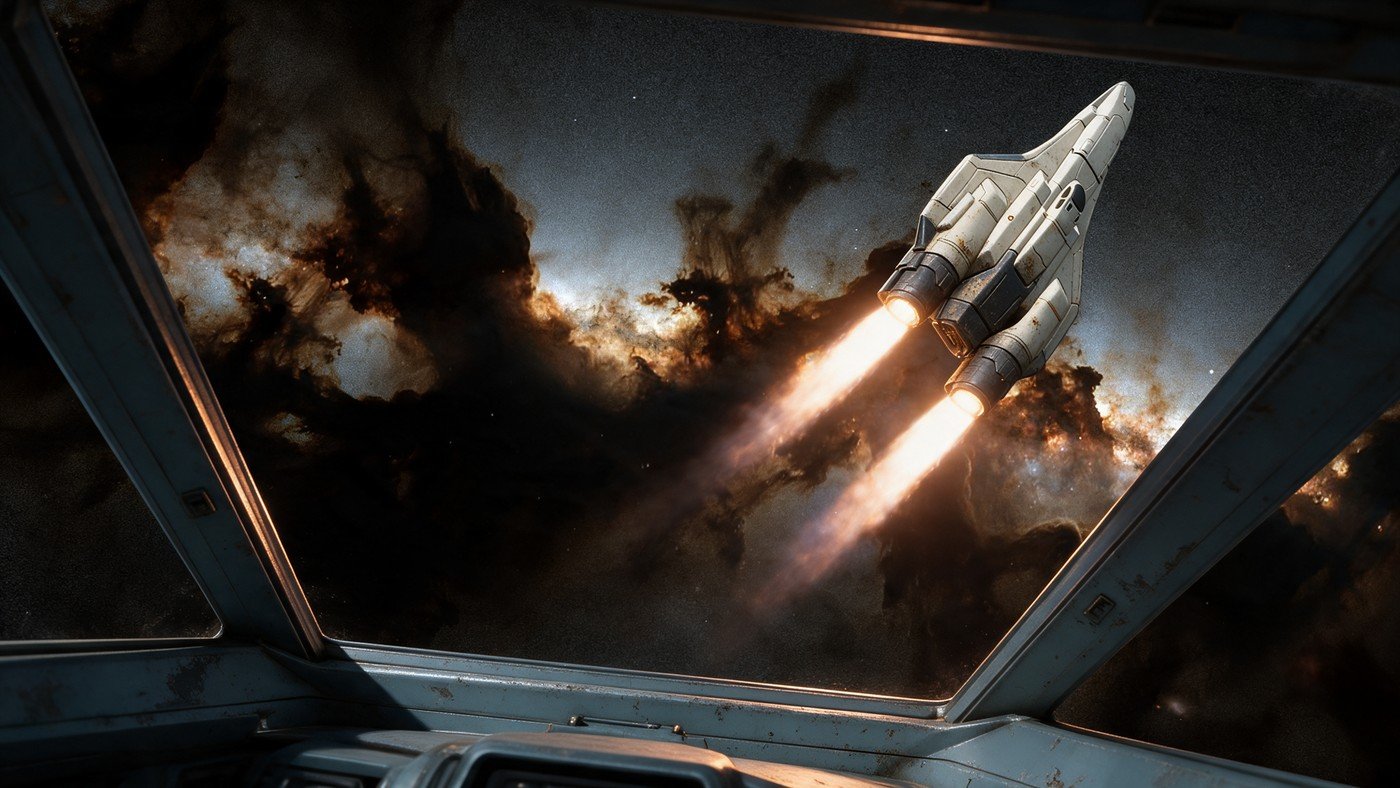
Does it look like it's turning? Please? No? (Le Sigh)
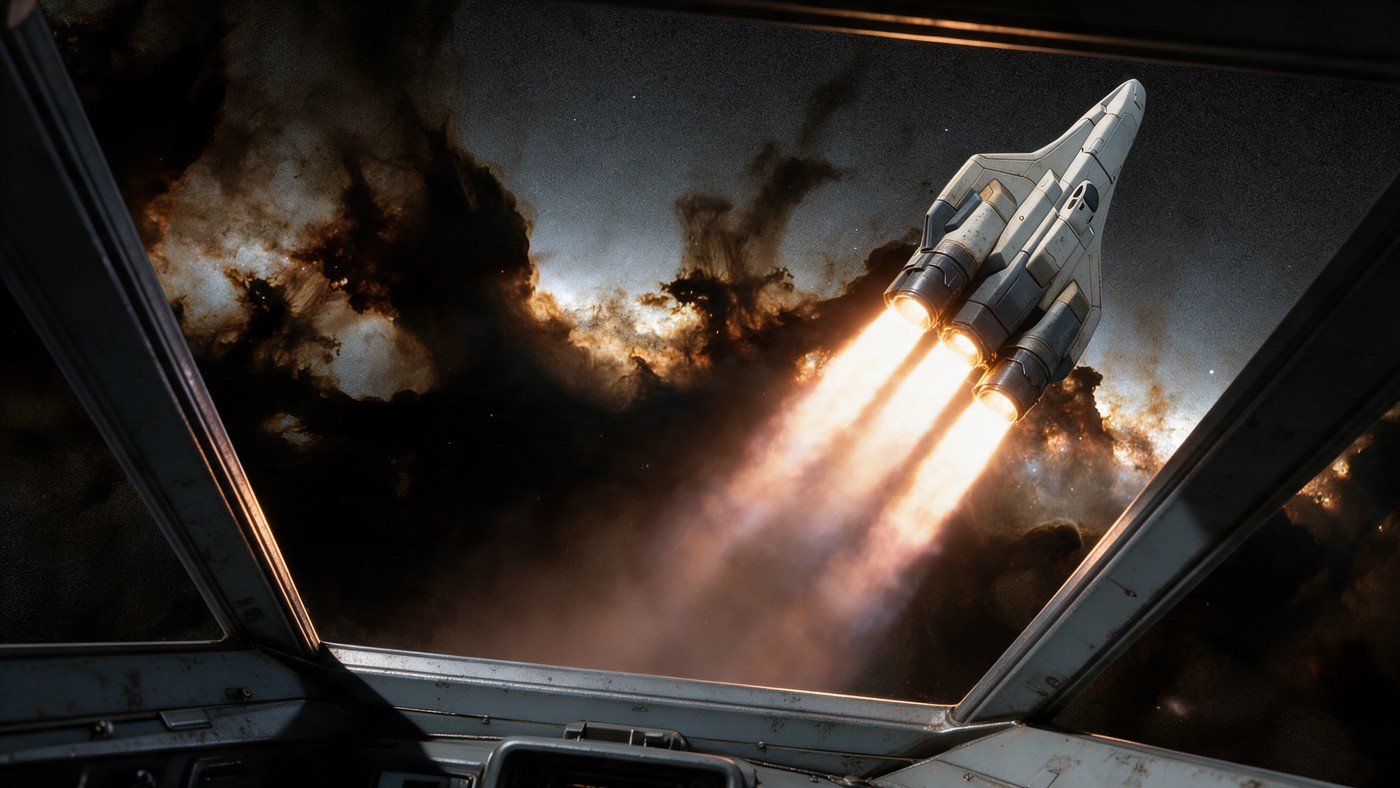
Son of Three Engines!
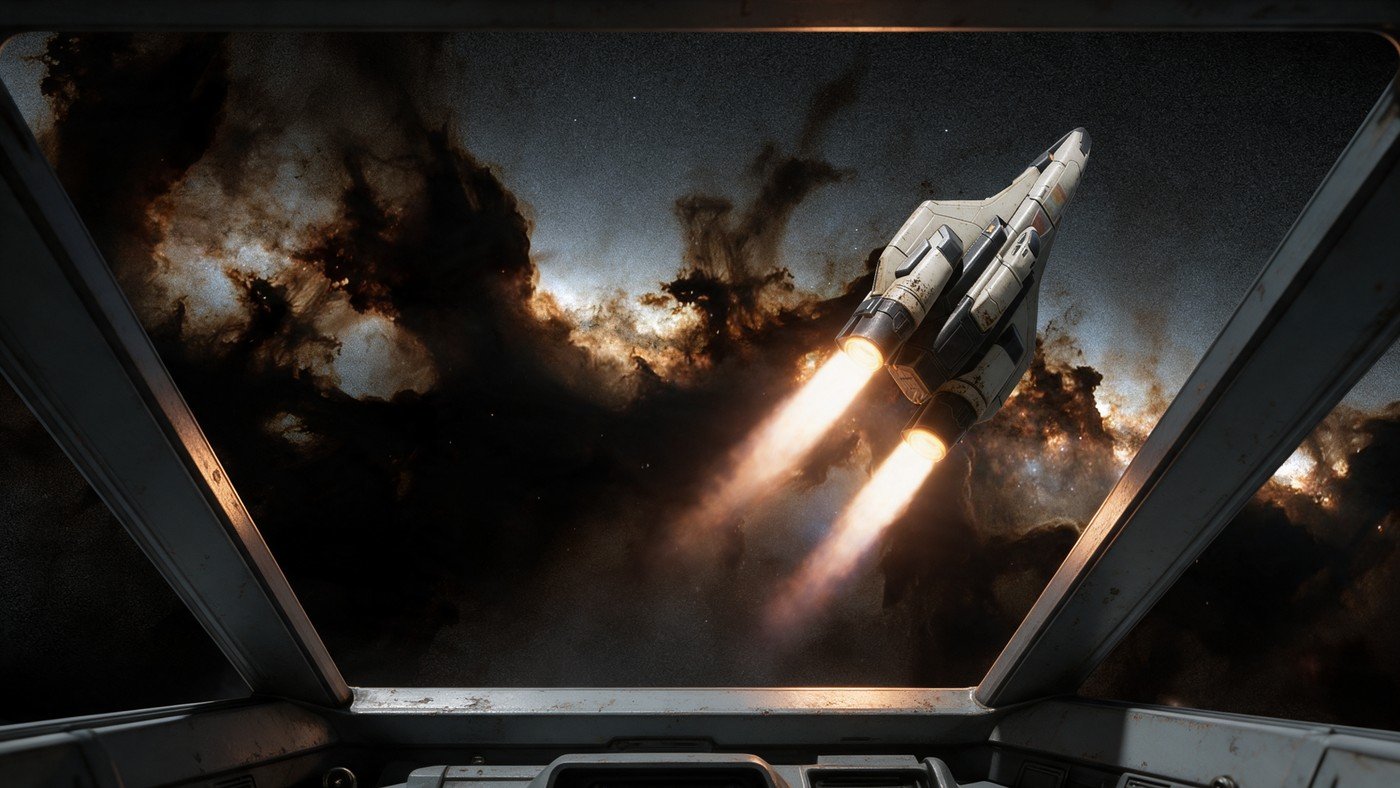
Almost… So close… Thrusters… Not… Straight… I'll paint the blasted thrusters myself! (No, I won't, but I will fix them…)
So — in one sense this is still a bit frightening, even for a robot.
There are some things that I didn't recognise that made the first sets "one-shot wonders". The primary one was the lighting. It was just by luck that the layout of the first set of images worked to enhance the shots I was composing. I had moved the key light in the shading window to match what I was imagining, but I was far from pedantic about it, and I was really doing it for myself, not the robot. With the layout and basic lighting generally OK, Seedream was able to copy what I had and simply render the ships to our prompt using our lighting.
With this last flyby, however, I wasn't so lucky. As the default lighting in Blender doesn't self-shadow, the starboard engine was getting light from nowhere. Seedream simply matched that lighting, giving a strange M. C. Escher feeling to it. The solution here was to actually light the model. So — not wanting to light and render the model didn't quite make it all the way to the bank. I did get away with only one directional light to give it a quick shape, and then Seedream was able to figure it out. One of the secondary advantages of using a lit render was that the cockpit was much more clear for the model to identify.
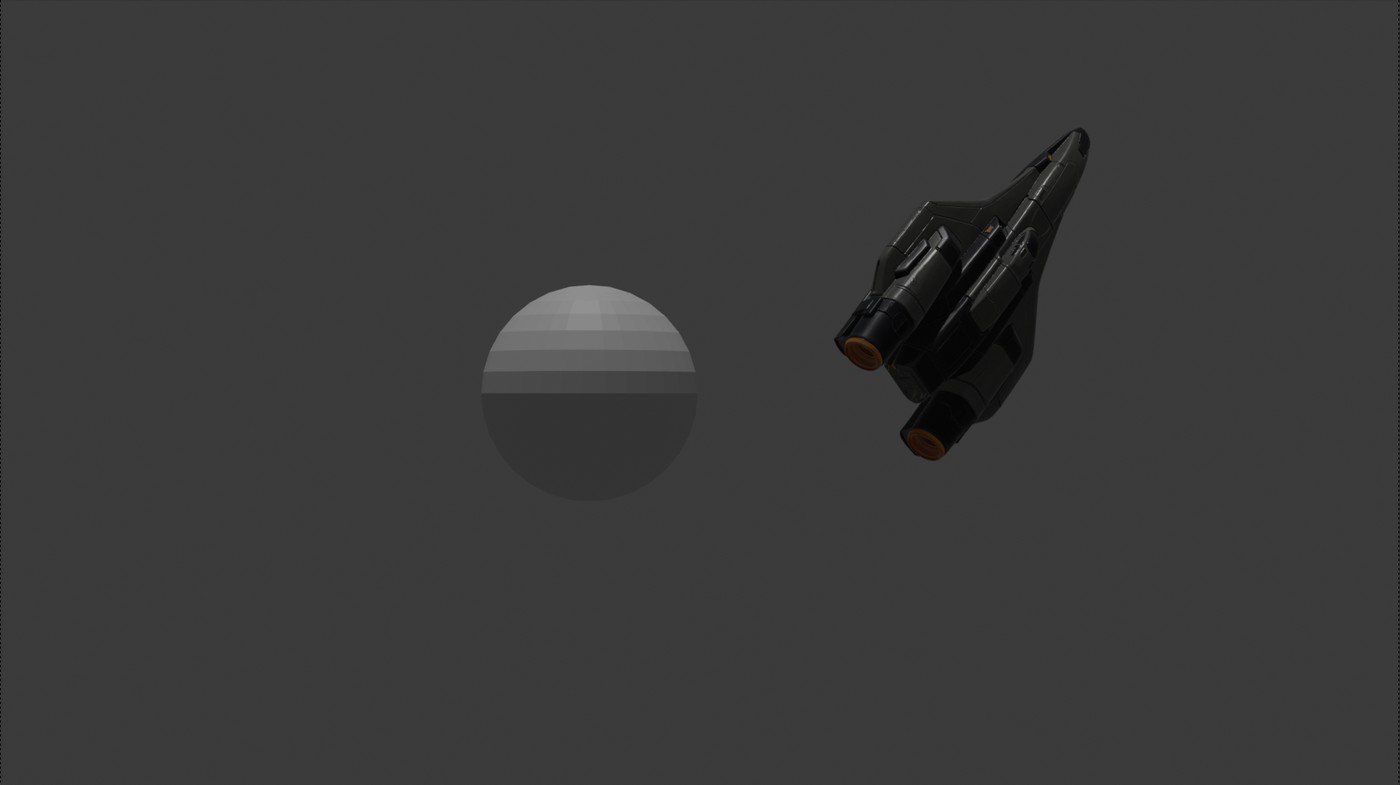
So, in the end, I had to light it anyway!
The other issue was that, for neither love nor money, nor by dint of foul language, the model would not make the thrusters match the direction of travel. We tried to hold them in place and make them straight with prompts, but it was this prompting that forced the model to kill everyone in hyper-sleep… er… that forced the model to make the extra thrusters. Essentially, we confused it. This last round had the least issue with the thrusters and I'll just fix them in Photoshop.
Langes Fädchen, faules Mädchen
What did I learn from this? To go those two steps further: No screenshots, use a camera. No default lighting, use a directional light. (Or, in other words, don't be lazy! I know better!) That being said, I do have to keep these on schedule and within a strict time budget, and this pipeline is really the only way to do that. The one real saving grace here is that playing with the actual models and backgrounds, I am able to work my scene lighting in parallel which does claw back a little efficacy.
Fixed! Done!
Addendum: Working with Seedream
Seedream seems to take hints very seriously. In the next piece of concept art using this pipeline (yes — I did use a camera and lighting… I learned that lesson…), I not only lit the model, but when I took it into Photoshop, I gave hints where the engines were, as I found this keeps the model from guessing what shape at the back of the ship is an engine.
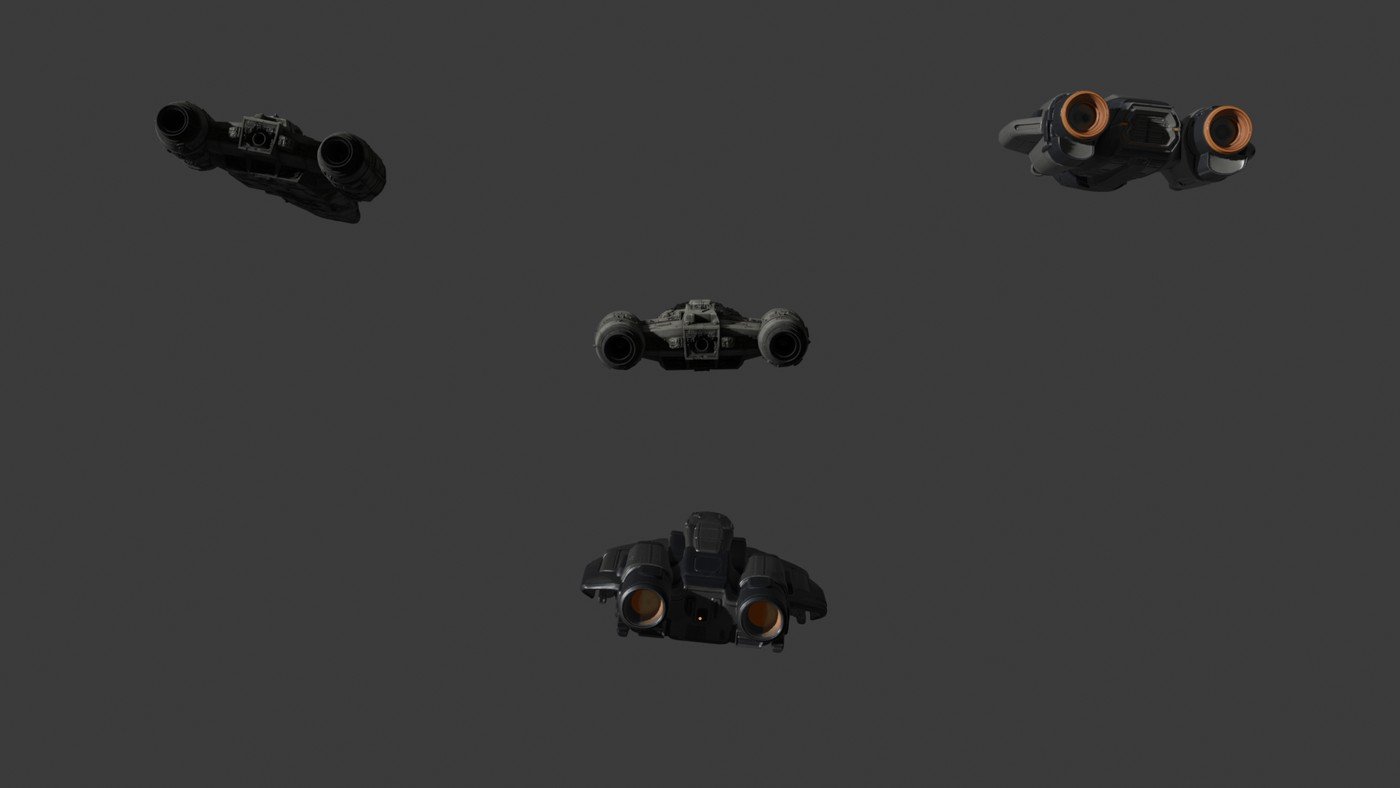
Layout and lighting in Blender.
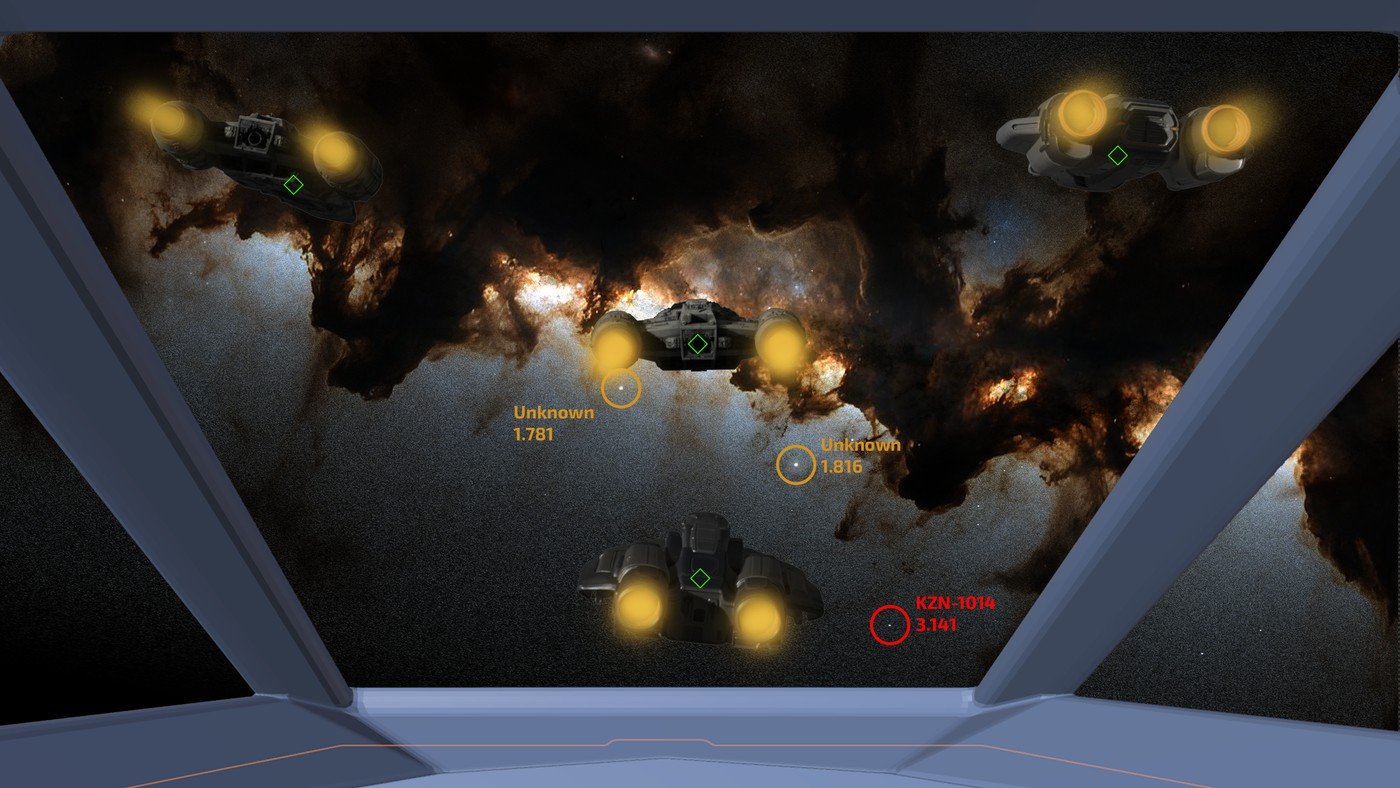
In Photoshop with lit ships, and hinting for the engines.
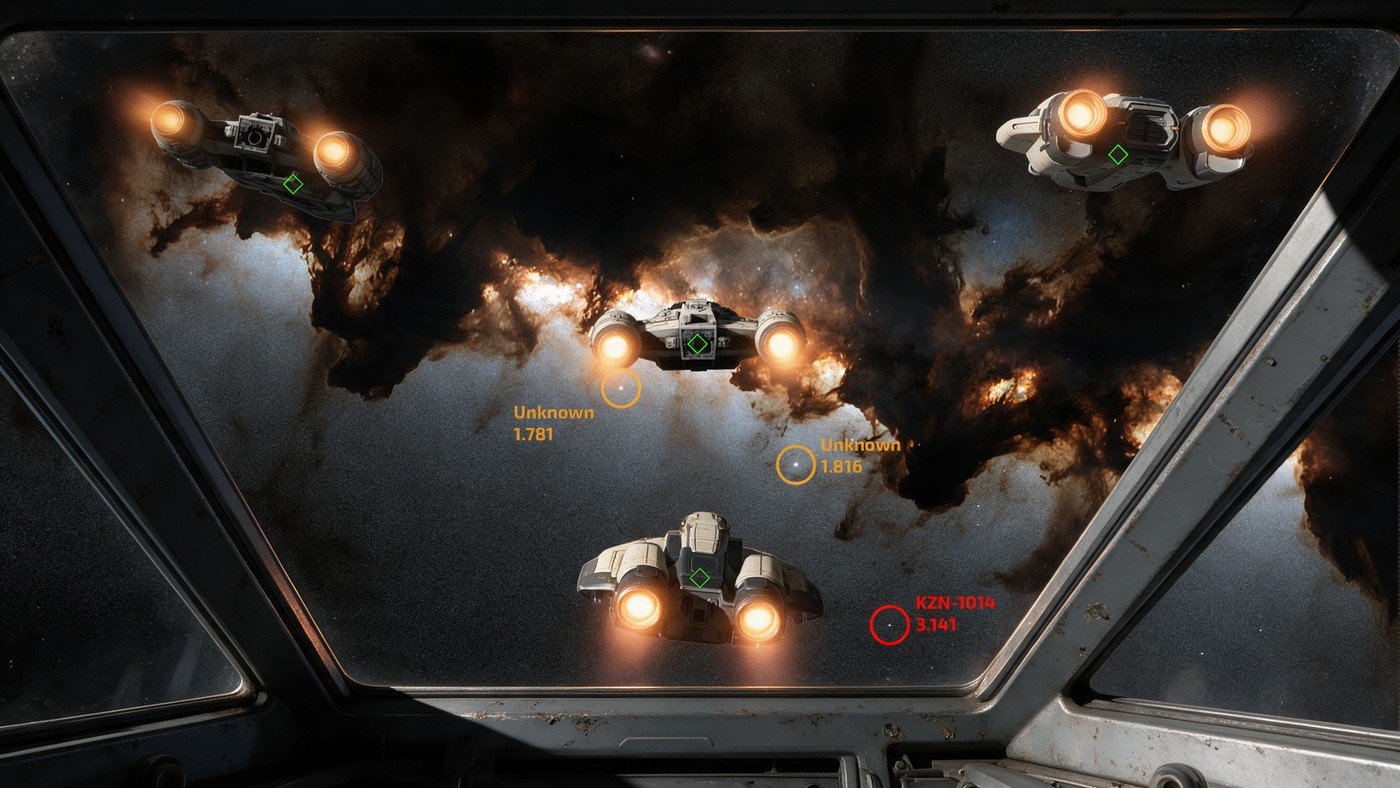
Seedream was pedantic enough that the final maintained my typography and cheap HUD exactly.
Addendum II: Why I won't play 4X games
When I was an assistant editor on Babylon 5, I had to set up the workstations for the editors in the morning, wait for them to pull a ten-hour day, and then clean up, archive, and prep for the next day. In the middle of that day, I had some free time. I usually could finish a game of Civilization in the five days of the work week. Each game took about 40 hours…
This was how I ended up working with Mitch Suskin, and went on to work for him, with him, and near him for quite some time. I was so bored. Even while supervising the Season One neg cut for foreign distribution, I had very little to do in the middle of the day. Adam! Welcome to the world of visual effects! I had free time, they needed help, why not learn something new?
I refuse to play 4X games now, because they are crack to me. One more turn, until the birds chirp… not good, and I don't have 40 empty hours lurking around the corner in need of pacification.
Making pretty pictures like this has the same effect, even when I'm trying to stay down and dirty and minimalist.
I am now doing quick renders, not just viewport captures… and I'm lighting the scene, Gollum damnit! The whole point was NOT TO DO THAT! And then I'm not getting the renders I want out of Seedream, so I'm asking for elements: each ship separate, explosions, effects… until the birds chirp… not good, and I don't have 40 empty hours lurking around the corner in need of pacification.
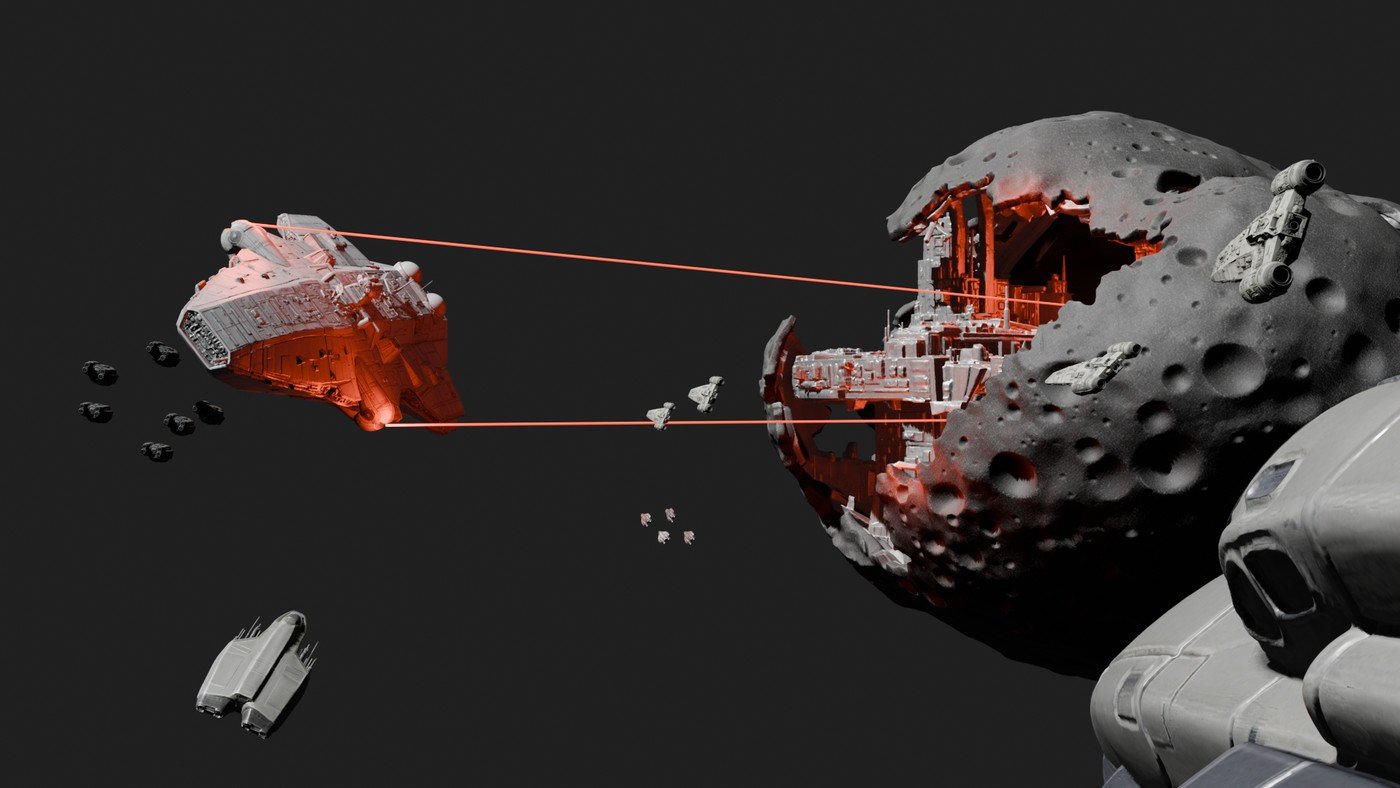
I'm lighting the bloody scene!
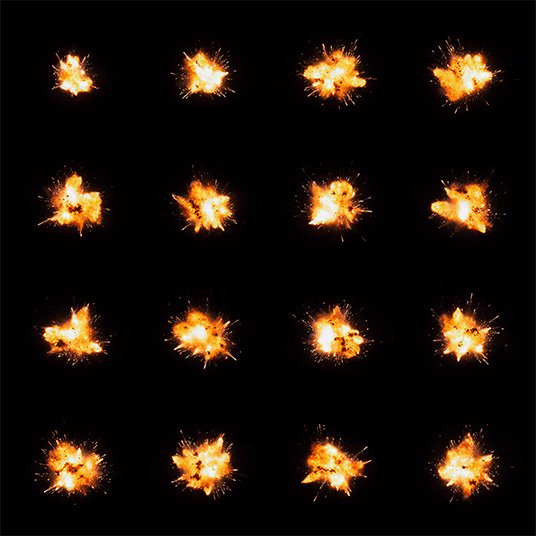
No! Don't do that!
I want the output to be better… and admittedly Seedream just can't handle this much content and stay consistent… so I am doing it "by hand" (elements aside).
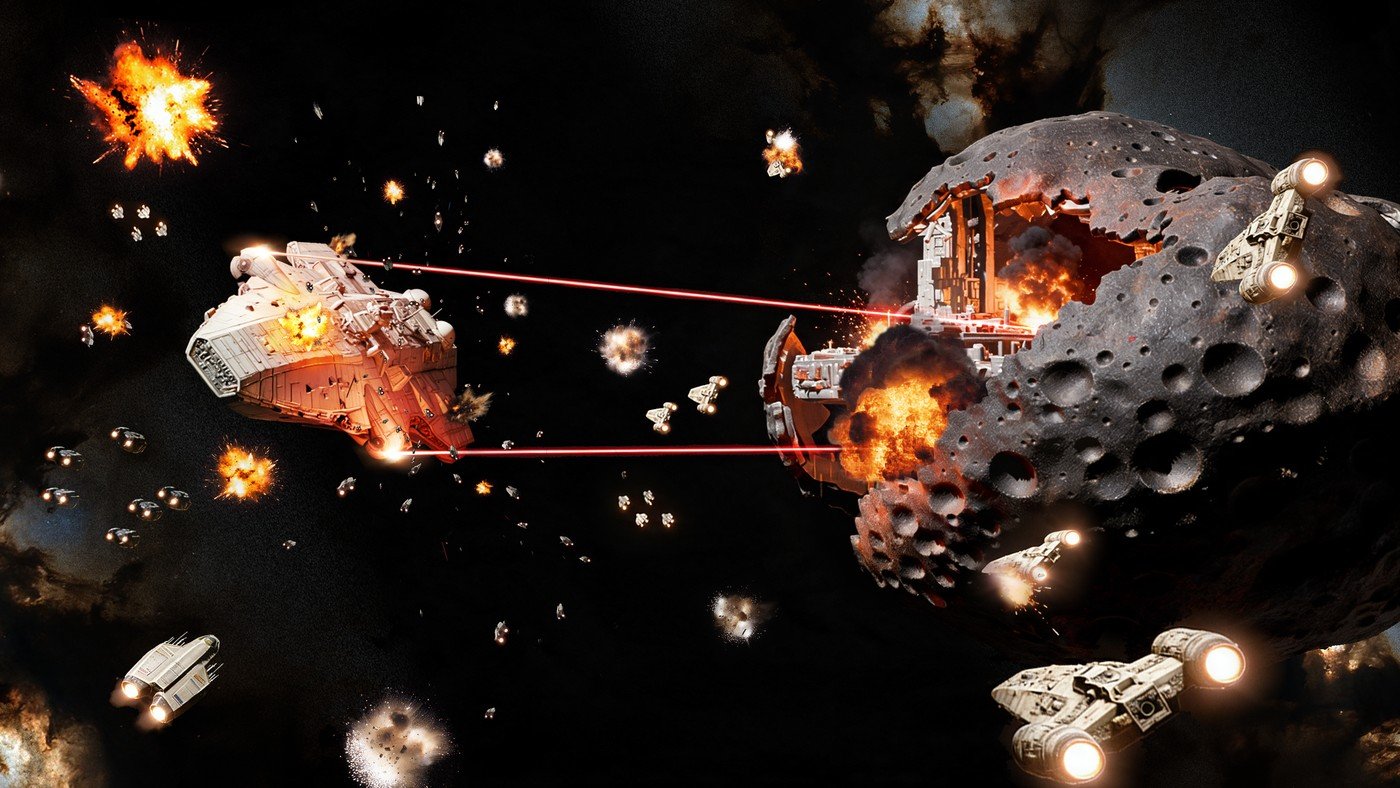
I did add engine glows, updated the explosions, added some lighting…
But I have a game to build, and as much as I love this part, I'm going to have to down-tools on it, leave the documents without images for now, and move on. In less than 100 days, now, I want a playable slice available to people, not 10–20 really good shots.